4G Module Phone
Direct USB-C · iPhone and iPad
One 4G modem. Another way to call.
Put your SIM in a compatible modem and connect it directly to your iPhone or iPad. Use the modem’s number in familiar call, message, and contact screens. A configured modem can also provide USB cellular data.
One-time app purchase · Hardware, SIM, and carrier charges are separate
Hong Kong App Store · HK$32Public release: 1.0.0, US$3.99 in the US and HK$32 in Hong Kong. Not currently available in mainland China. The 1.0.1 plug-and-play update is not yet public. Store prices and availability may change.
Calls within reach
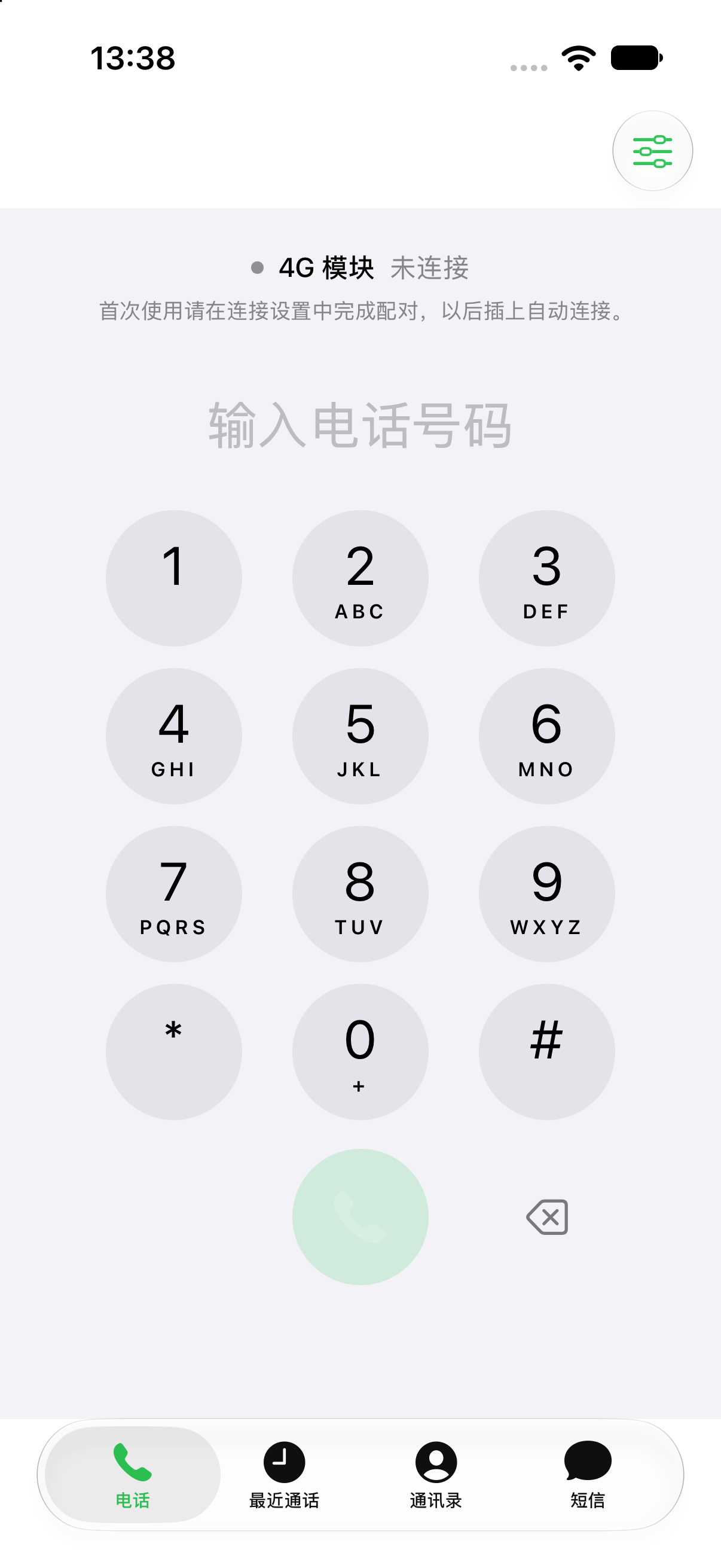
Dial, answer, return recent calls, mute, and use the speaker. The in-call keypad lets you navigate voice menus.
Messages as conversations
Send and receive carrier SMS through the modem’s SIM. Read, reply, delete, and pick contacts from your device.
Data through your modem
Once APN and USB networking are configured, the modem supplies cellular data to the connected device. Network setup is separate from the app and uses your SIM plan.
Use it on the device you plug into.
The companion service runs inside the modem. During everyday use on iPhone or iPad, no computer needs to stay on and no NAS gateway is required.
- 01
SIM with the required services
- 02
Prepared 4G modem
- 03
Direct USB-C connection
- 04
iPhone or iPad
Version 1.0.1 and the updated modem service support automatic connection, including switching devices or prepared modems, without typing a pairing code. Allow Local Network access and keep the app in the foreground.
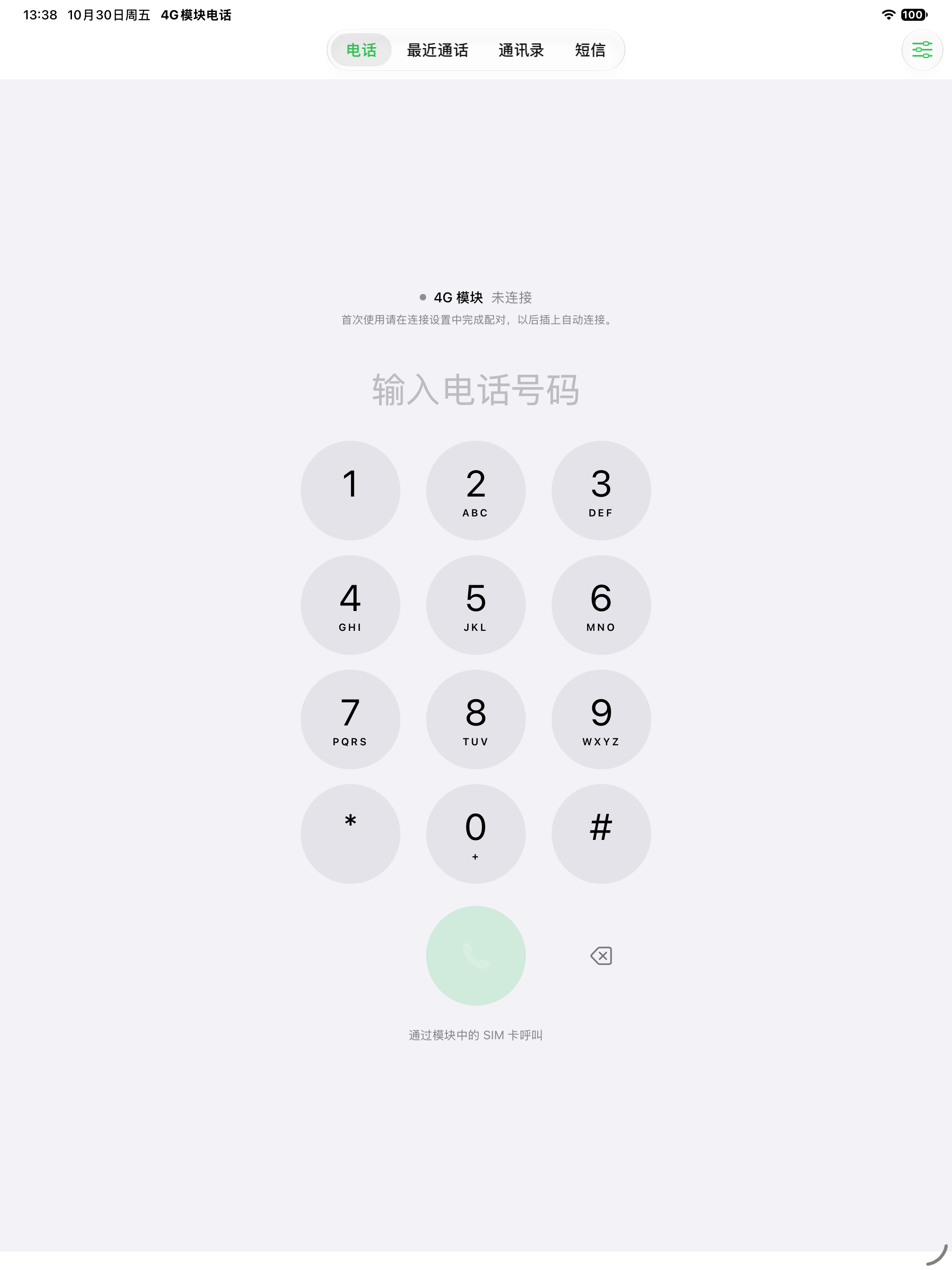
The same app, at home on iPad.
Calls, messages, and contacts adapt to the available window space. Two-way voice has been tested on a 12.9-inch iPad Pro.
Check these before buying
Prepare a compatible modem
Validated: first-generation DJI QDC507 with this project’s companion service installed. Unmodified modems, the second generation, and other models are not confirmed compatible.
Your SIM determines the services
Calls and SMS require a SIM with those services enabled. A data-only SIM cannot make cellular calls. Network access, roaming, and usage charges depend on your carrier.
Use the app in the foreground
Reliable background and lock-screen incoming call alerts have not been validated for this USB setup. Keep the app open for incoming calls.
An independently developed companion app, not an official DJI product. The app purchase does not include a modem, SIM, carrier service, or modem configuration service.
Start with your first modem.
Follow the guide to connect a prepared modem. For a new modem, the WorkBuddy Skill checks the model and environment, guides compatible service setup, and verifies calls, SMS, and data separately.
Want to leave the modem on a computer or NAS and connect remotely? Explore Xieke Phone